
Troubleshooting Slow Network Connections
From your personal device (NOT the VM), laptop, tablet, etc. Click on Start-Run-cmd, to open a Command Prompt.
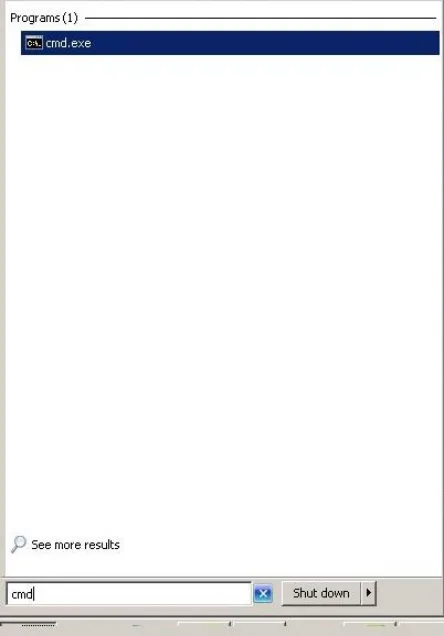
Type “ping viewportal.lakelandcollege.edu” and press enter. Take and save a screenshot (ex: Word, Insert – screen shot).
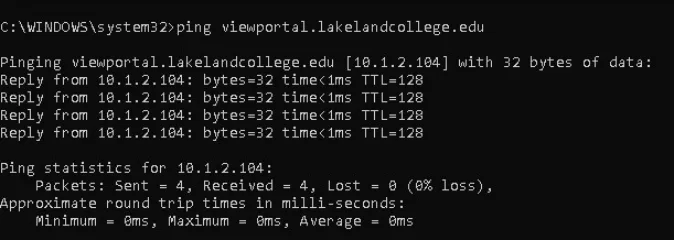
Type “tracert viewportal.lakelandcollege.edu” and press enter. Take and save a screenshot.

Type “ping google.com” and press enter. Take and save a screenshot.
Type “tracert google.com” and press enter. Take and save a screenshot.
This will allow us to compare the results.
On your personal device, laptop, tablet, etc. Visit www.speedtest.net and click “Begin Test”.
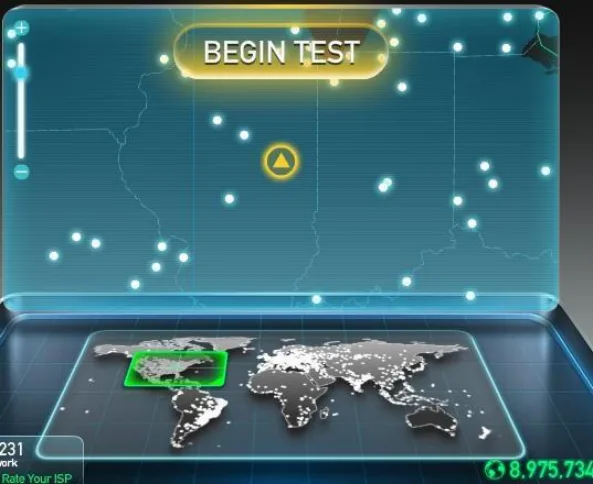
Take and save a screenshot of the results.
Also, if the network speed is slow, please disconnect or turn off any device that is not being used to conserve bandwidth for homework utilization.
These troubleshooting steps will help us better understand the issues you may be experiencing at home.
Email screenshots to helpdesk@lakelandcollege.edu.