
Joining a Meeting (not in VM)
If your internet connection is slow, it is not recommended to use Zoom in your VM. Instead, you will have much better performance using the internet browser (Firefox and Chrome work best) on your personal laptop or a laptop checked out from ISS.
If the host of the meeting scheduled it in Outlook, login to the Hub to access your email with the Outlook web app. Open the invitation and click the Join Zoom Meeting link. If you already have Zoom installed, it will connect you straight to the meeting.
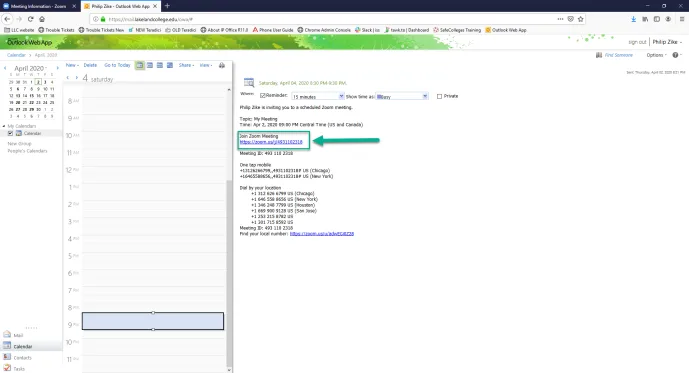
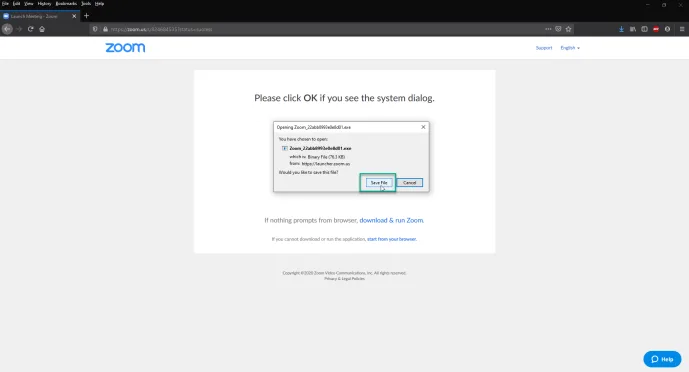
If Zoom isn’t installed on your computer, this will download the Zoom installer. Save the file and run it.
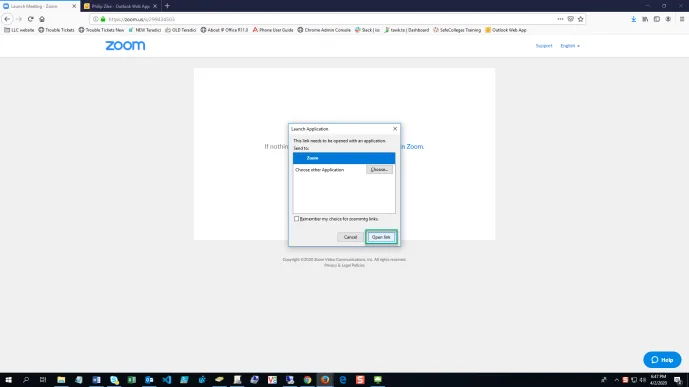
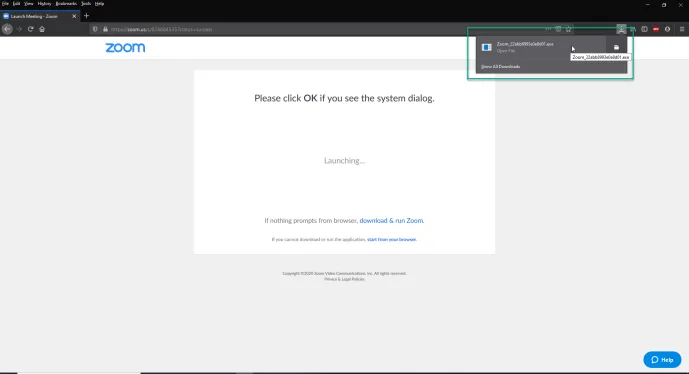
When it’s done, it will launch Zoom and connect you to the meeting.
*Note: If you also have a personal Zoom account, you will need to sign out and sign in with your LLC account.